
If you have been provided with a discount code from our support team, please follow the steps described below to apply it.
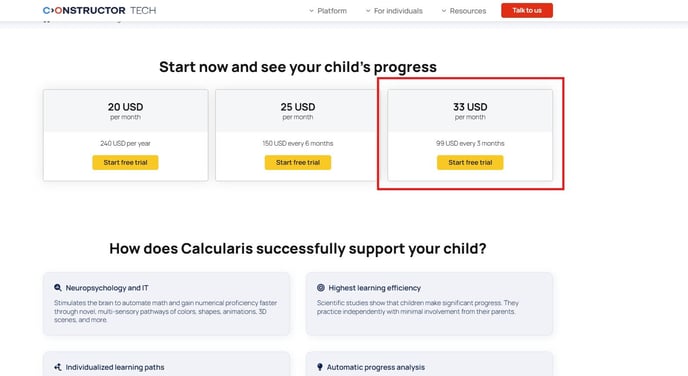
- Select the desired Constructor product and subscription plan, for example 3 months Calcularis and click on "Start trial":
- You will get redirected to the purchase details page:
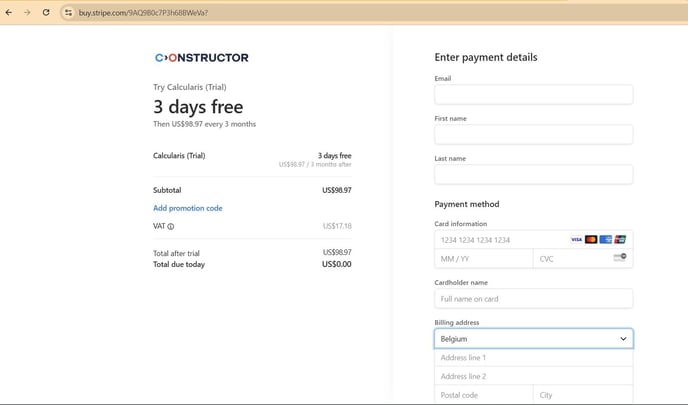
- Please provide your payment details in the right pane.
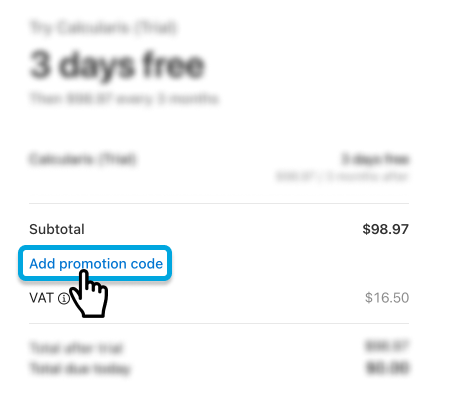
- Please click on "Add promotion code" in the left pane:
- Copy/ Paste the Code that our support personnel has provided you with:
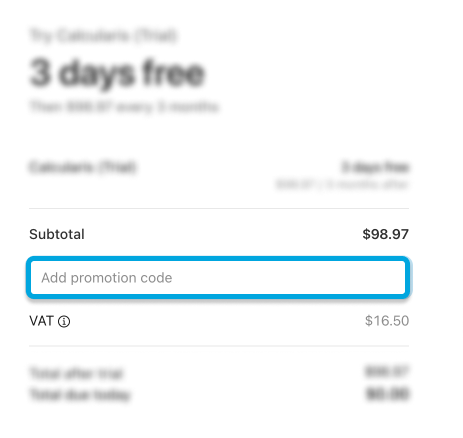
- Click the "Apply" button for the voucher to get redeemed:

- Once the code is applied, the "Total after trial" sum should change accordingly.